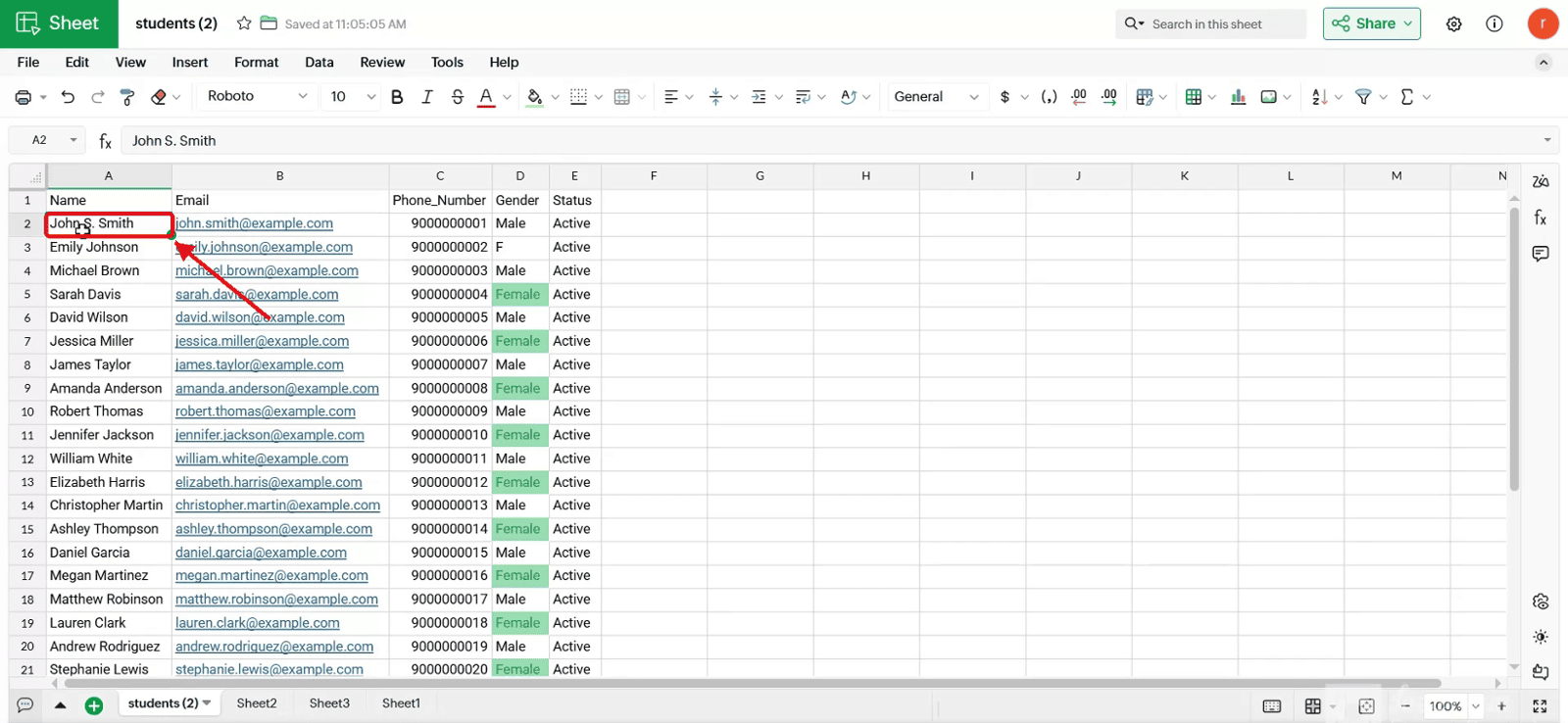
Find And Replace Data
Here is our approach for creating find and replace data in Zoho sheet in a simple way
Even a non-technical person can easily set it up in just a few steps.

Approach
We can create FInd And Replace Data in ZOho sites using the following steps.
1.Opening Find and Replace
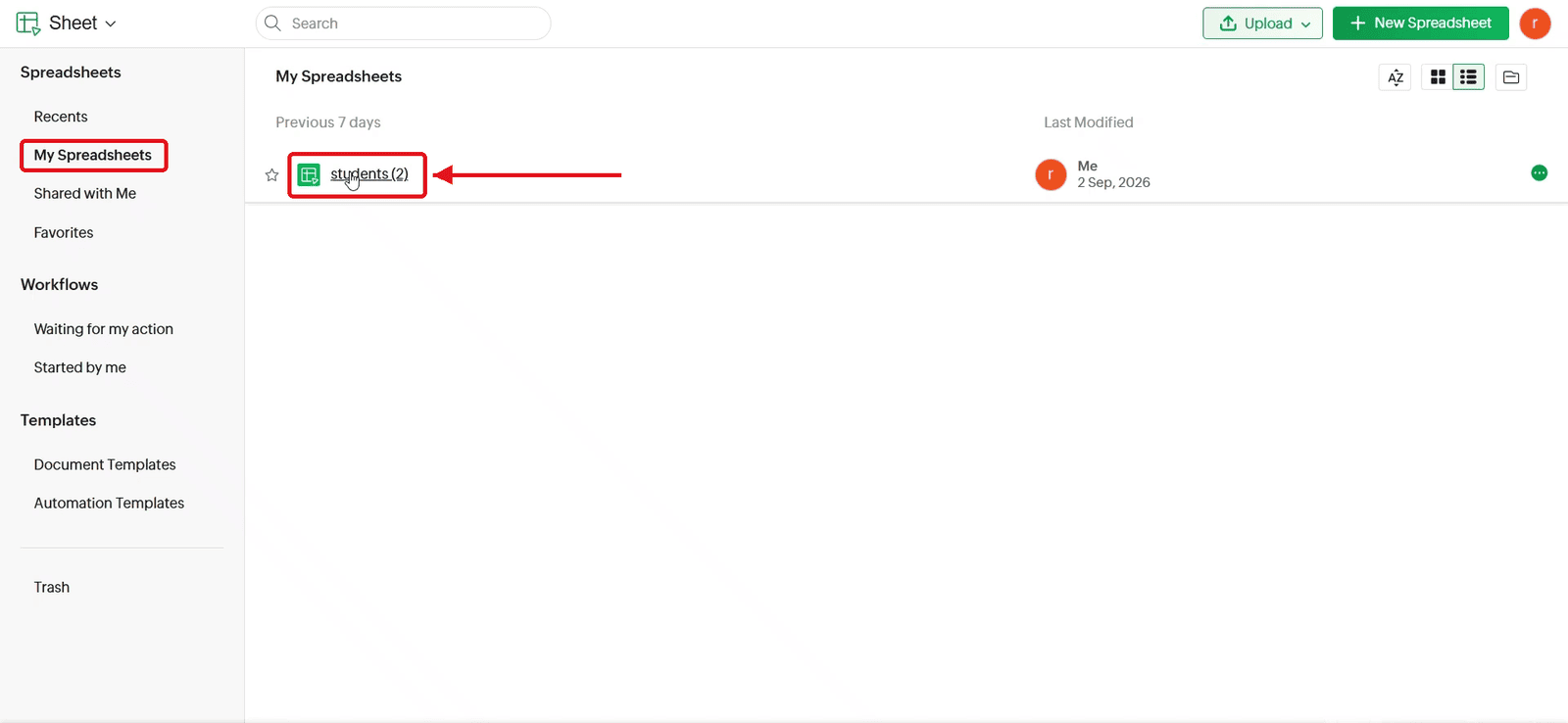
1.1 Open the spreadsheet from My Spreadsheets.
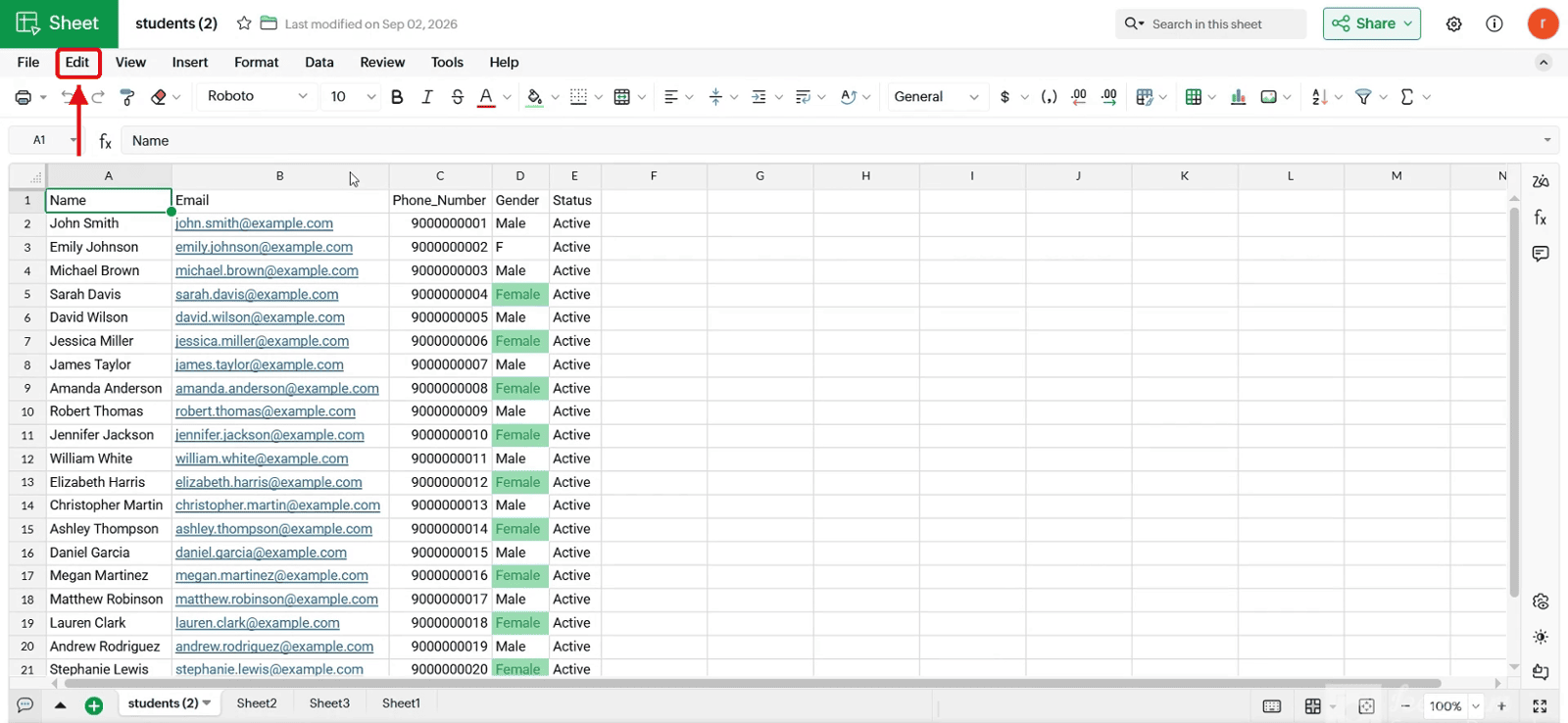
1.2 Click Edit in the top menu.
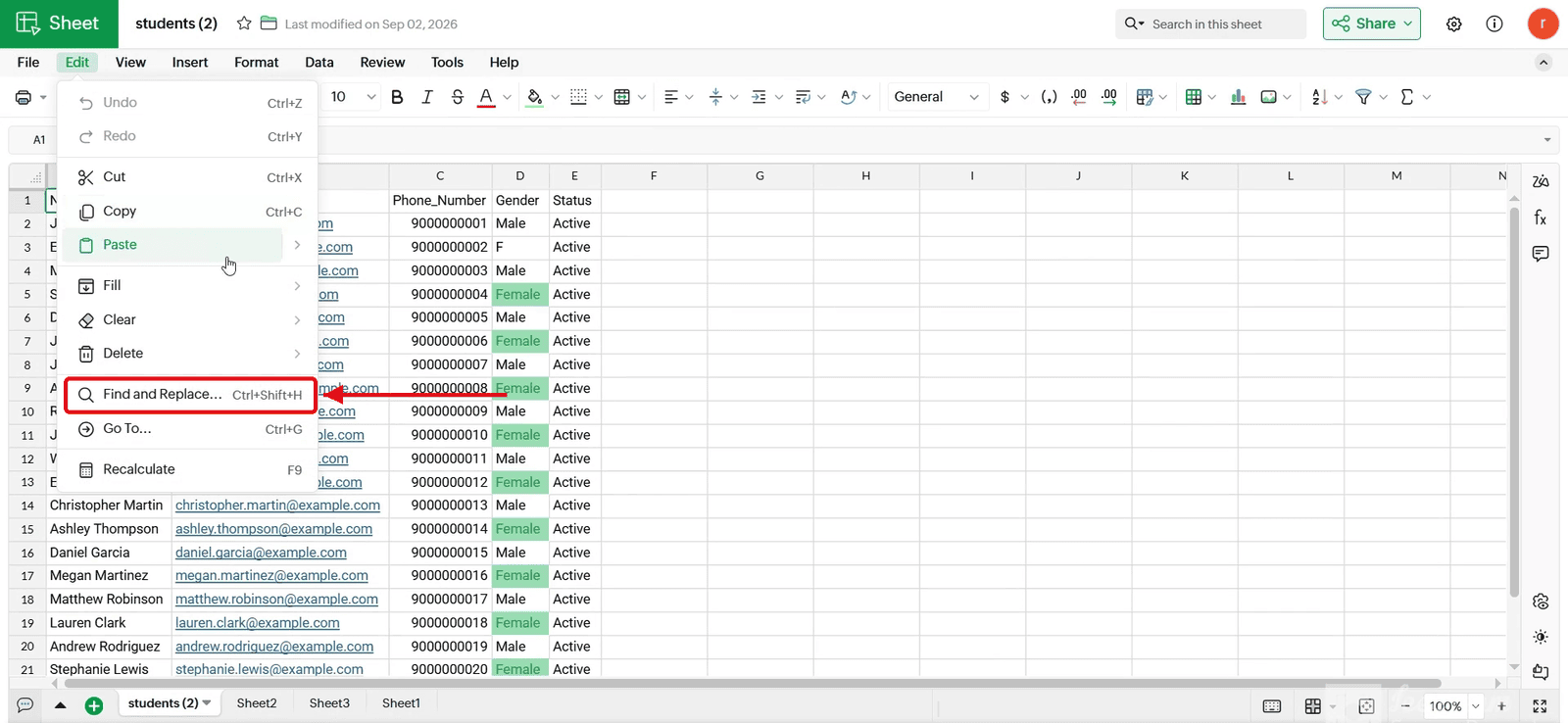
1.3 Select Find and Replace.
1.4 The Find and Replace window opens.
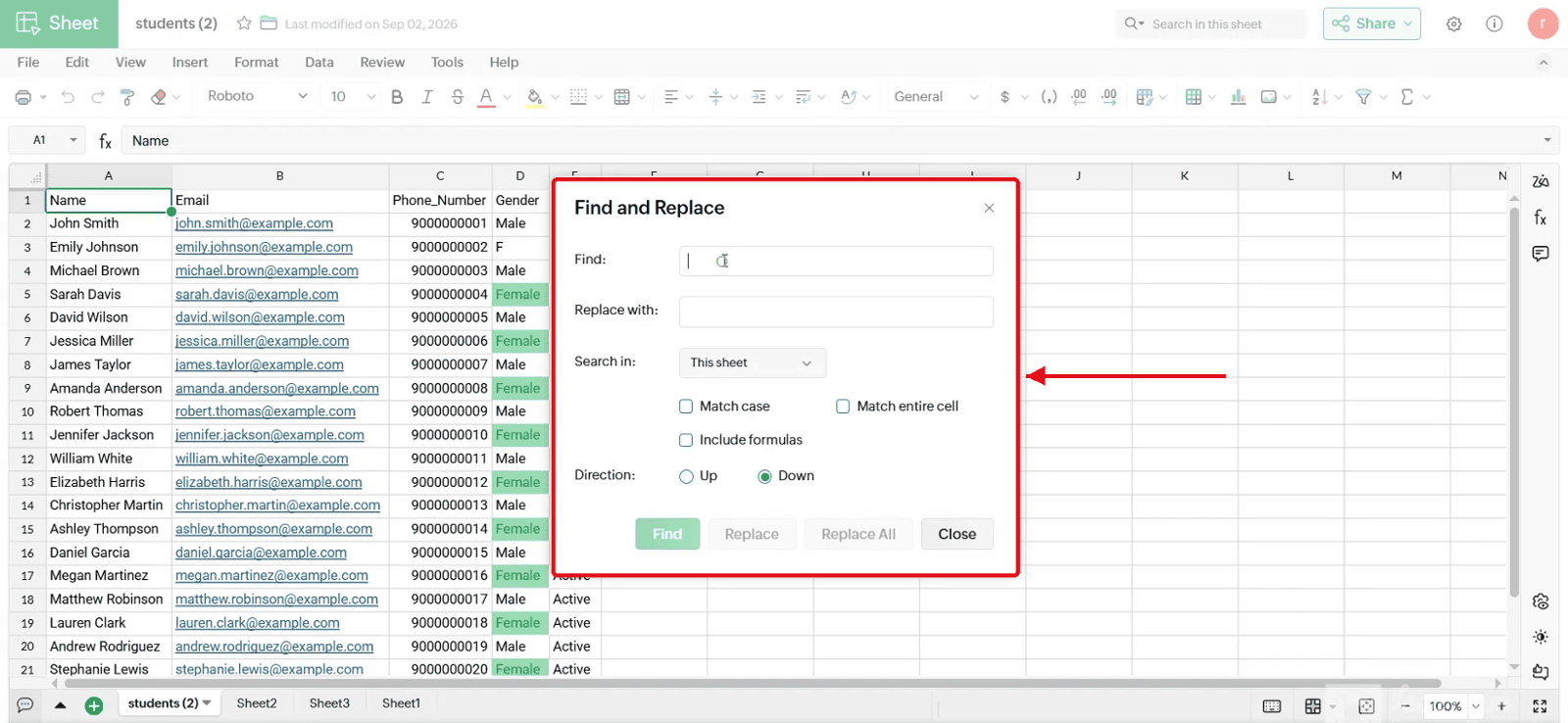
2. Entering the Text
2.1 Type the text to search for in the Find field
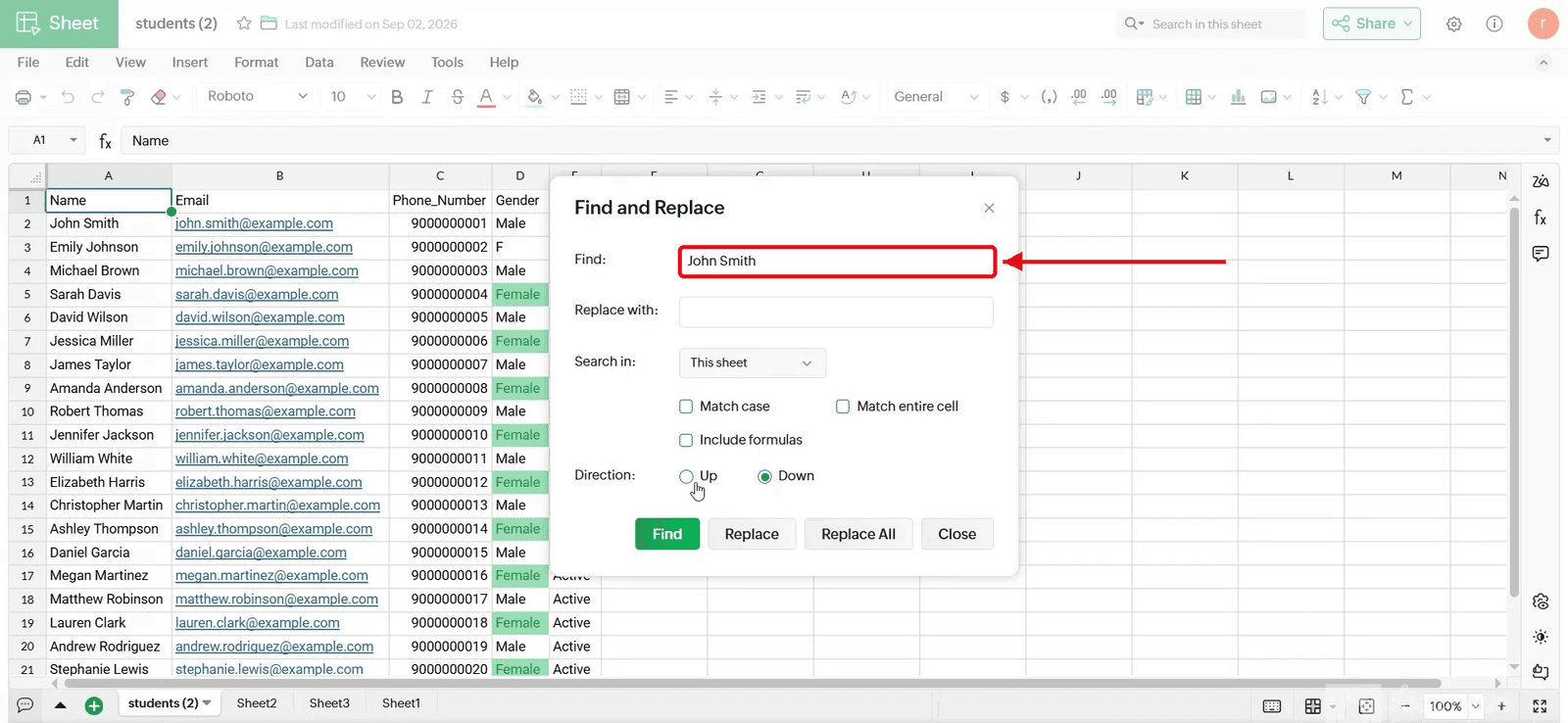
2.2 Type the new text in the Replace with field
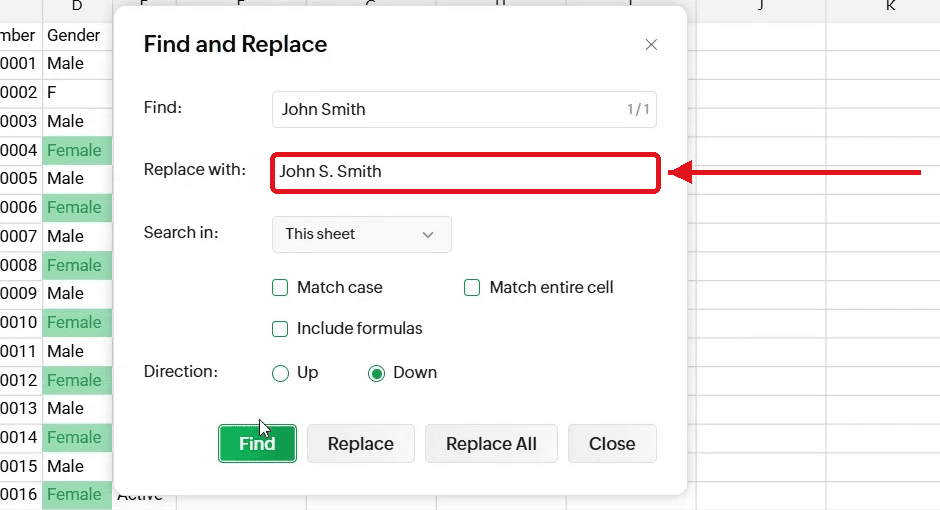
3. Locating the Matching Cell
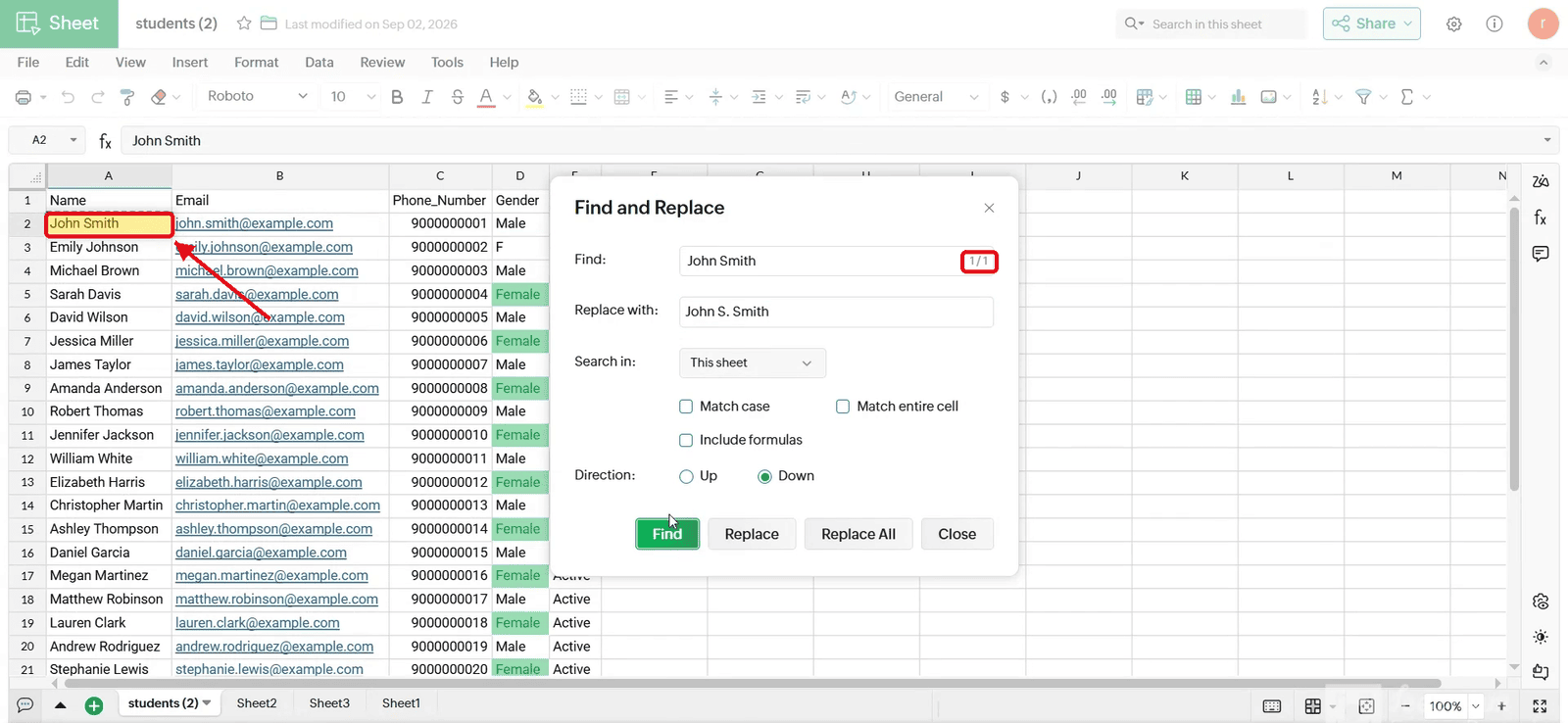
3.1 Click Find.
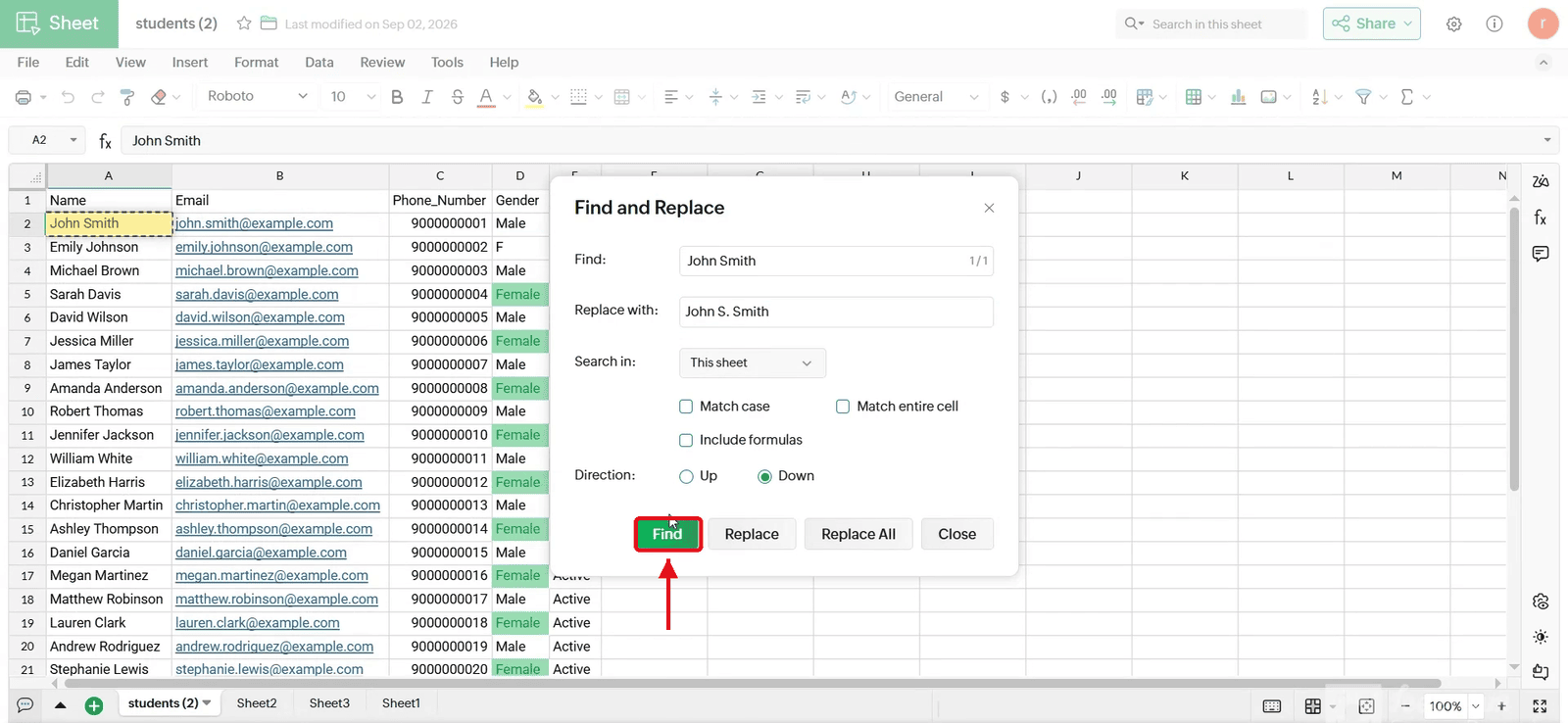
3.2 The matching cell (A2) is highlighted and the counter shows 1/1.
4. Updating the Text
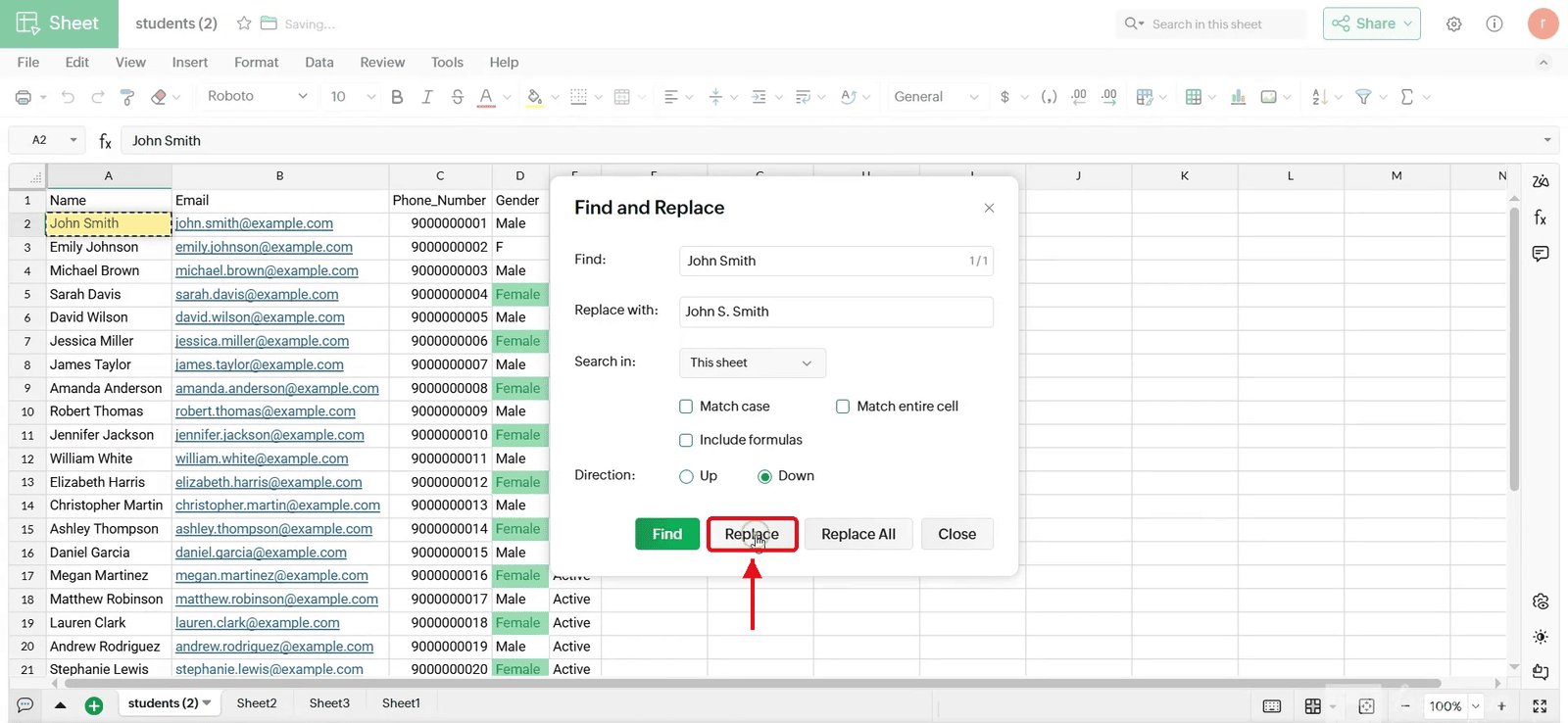
4.1 Click Replace.
4.2 The cell shows the new text and “No more occurrences” appears.
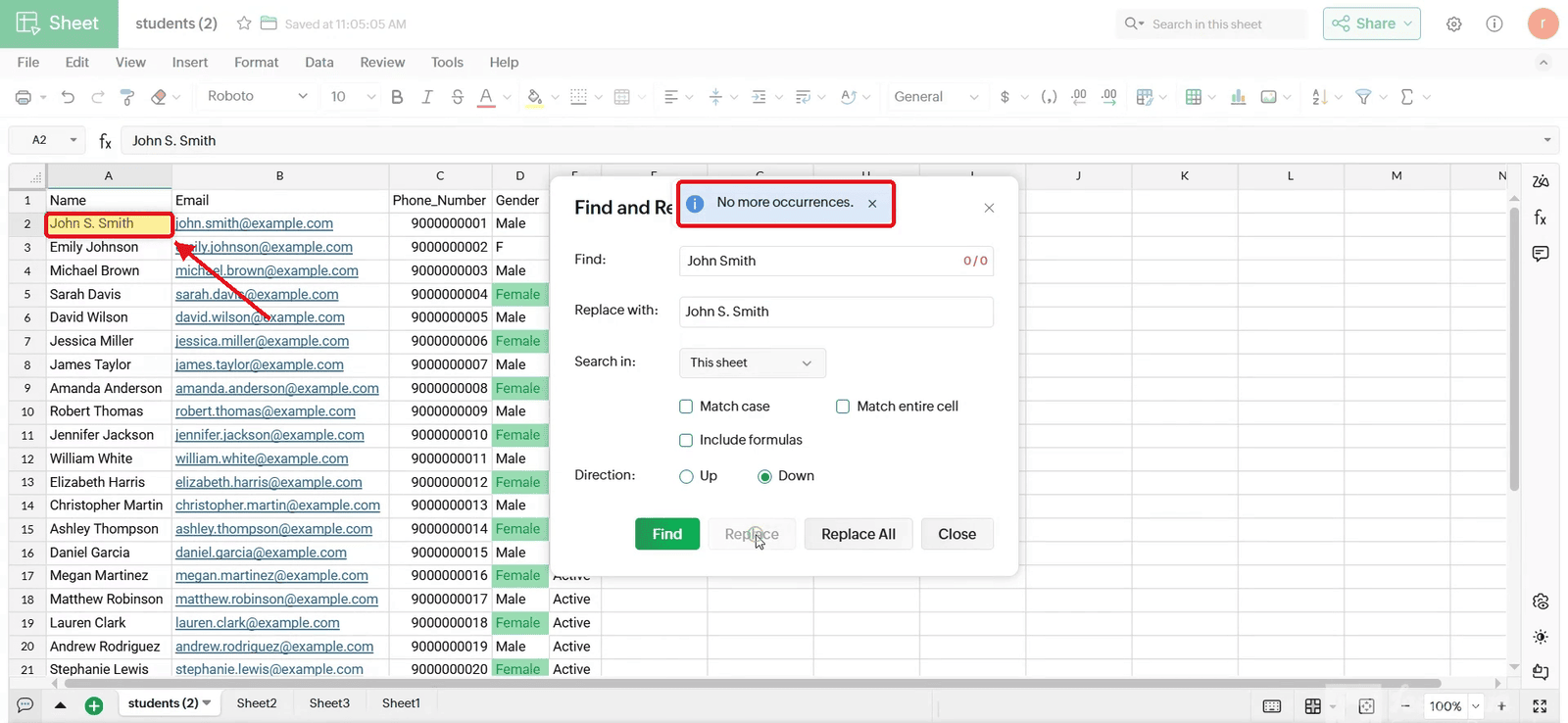
4.3 Close the window and check the cell.